
Starlink Installation in Eurobodalla: What It Costs & What You Need to Know
Living on the South Coast has its perks. Unreliable internet isn't one of them. Whether you're working from home in Moruya, running a business in Batemans Bay or trying to stream a movie on a rural property outside Narooma, a decent internet connection is pretty important these days.
But across Eurobodalla, reliable internet isn't always a given. From coastal villages like Broulee and Tuross Head to bush properties around Bodalla, Nelligen and the Deua Valley, location can make a big difference to your broadband options.
And while we love living away from the hustle and bustle, nobody particularly enjoys watching the internet drop out halfway through a Zoom meeting. Or just as the footy gets interesting.
That's where Starlink comes in.
At Cowley Electrical Services, we install Starlink systems across Moruya, Batemans Bay, Narooma and surrounding communities, helping locals get connected with secure roof mounting, neatly installed cabling and a modem positioned somewhere that actually makes sense.
What is Starlink, and is it a good option for Eurobodalla?
Starlink is a satellite internet service developed by SpaceX. Rather than relying on a traditional fixed-line connection, it uses satellites orbiting relatively close to Earth to deliver broadband internet.
For regional and rural properties where NBN or mobile broadband options are limited, Starlink can be worth considering.
It's particularly useful for people working from home, running businesses, managing rural properties or simply wanting to stream a movie without watching that little buffering circle spin endlessly.
Of course, Starlink isn't automatically the best option for everyone. If you already have a fast, stable NBN connection, there's no need to rush out and replace it. But for properties where reliable connectivity is a challenge, it can make a real difference.
Can you install Starlink yourself?
Absolutely. You don't need to hire an electrician just to set up Starlink. Starlink is designed for DIY installation. If you have a suitable location with a clear view of the sky, you can follow the instructions, connect the equipment and get online yourself.
Starlink also offers professional installation through third-party providers in eligible areas.
So why would you pay a local electrical contractor to install it?
Well, there's a difference between getting your Starlink working and getting it permanently mounted on your roof, with suitable fixings, neatly routed cabling and the indoor router positioned where you actually want it.
Uncle Macca might reckon he can knock it over on a Sunday arvo with a ladder, a few tools and a YouTube tutorial. And knowing Macca, he'd probably give it a red-hot crack.
But when it comes to permanently mounting equipment on your roof, particularly with the coastal winds we get around here, we'd suggest leaving that job to someone with the right equipment and experience.
Why choose Cowley Electrical for your Starlink installation?
We spend a fair bit of time working on South Coast roofs running cables, and we know that what works on one property doesn't necessarily work on the next.
A single-storey home in Moruya is a different proposition from an exposed split level coastal property at Long Beach or a rural home surrounded by towering gum trees outside Bodalla.
Our approach is straightforward: assess the property, choose a suitable mounting location, install the equipment securely and make sure the cabling is neatly finished.
But there's one part of the installation we think deserves a little more attention.
Your Starlink router, where you actually want it
One thing people don't always consider when installing Starlink is where the indoor router ends up.
Some standard professional installation packages bring the cable inside at the nearest practical entry point. That might be convenient for the installation, but it isn't necessarily where you want your router.
You could end up with it in the laundry, a spare bedroom or at one end of the house, while everyone is trying to connect from the other.
At Cowley Electrical Services, we discuss where you'd like your router positioned and plan a suitable cable route from the roof-mounted dish to that location.
Maybe that's a central living area for better Wi-Fi coverage, a home office or somewhere convenient for your existing network equipment.
We also include a cable brush plate for a neat finish where the cable exits the wall.
Because getting the internet into the house is one thing. Making it useful throughout the house is another.
Please note: The final router location depends on the property, available cable length and installation conditions. More complex cable routes may require additional materials or a separate quote. Router placement can improve Wi-Fi coverage, although larger homes may still need additional networking equipment.
What's included in our standard Starlink installation?
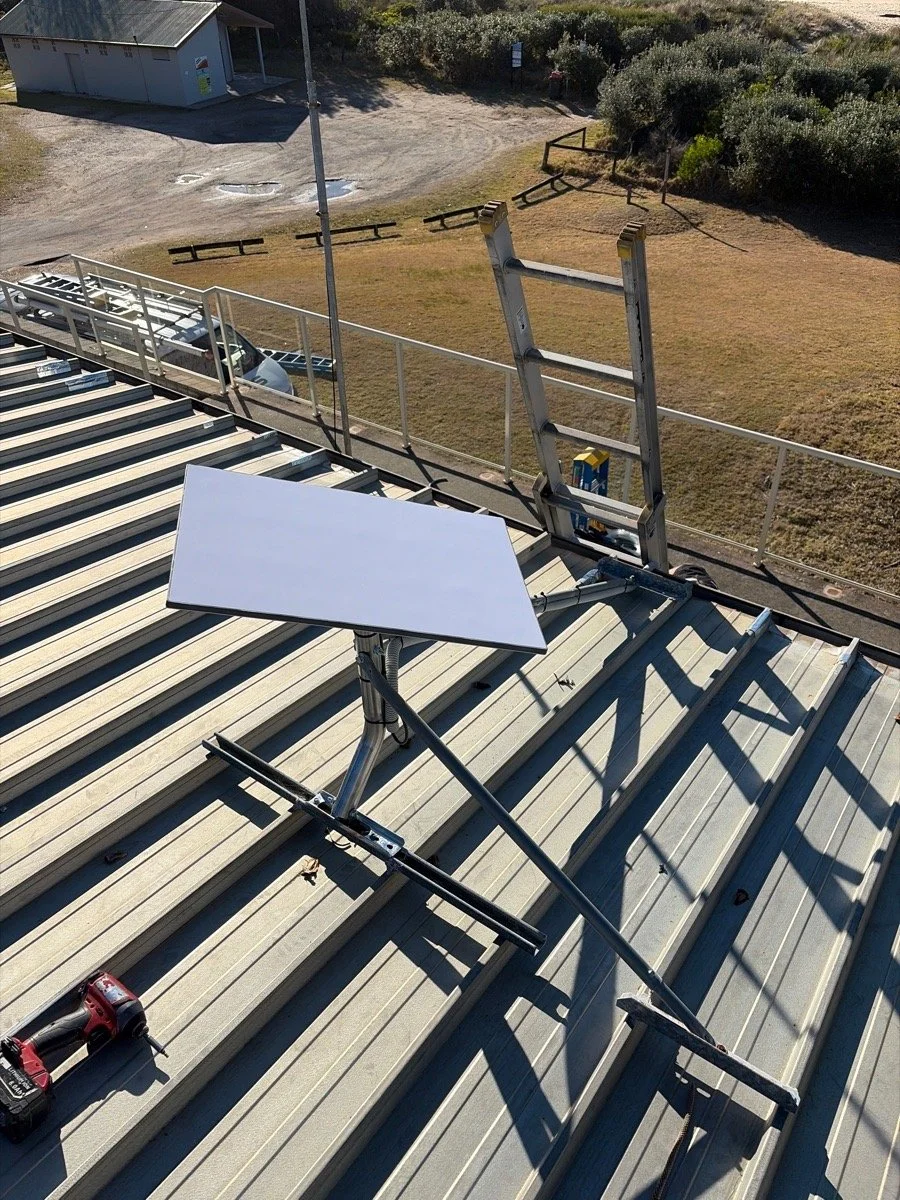
Our standard package is designed for straightforward installations on suitable tin roofs.
Here's what we include:
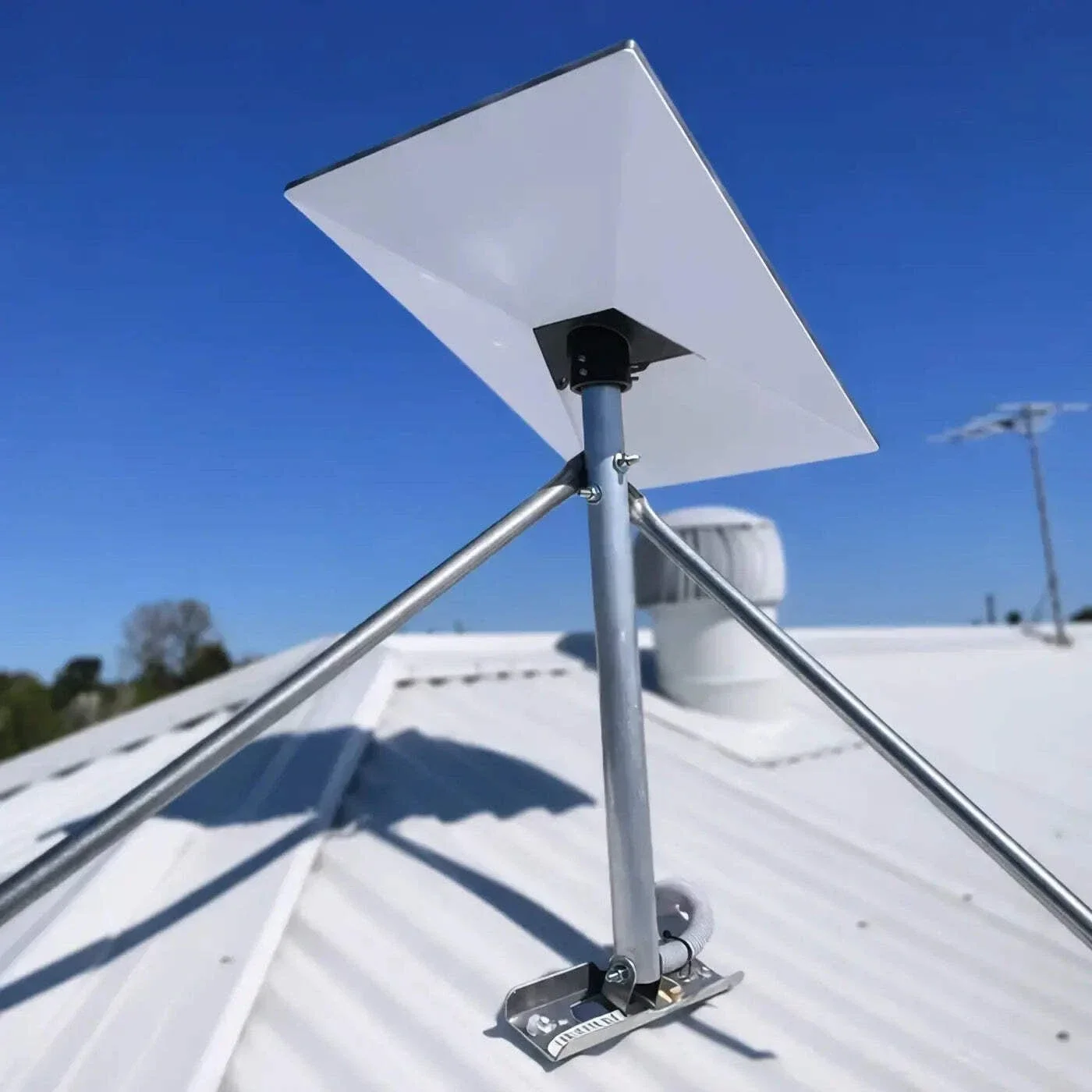
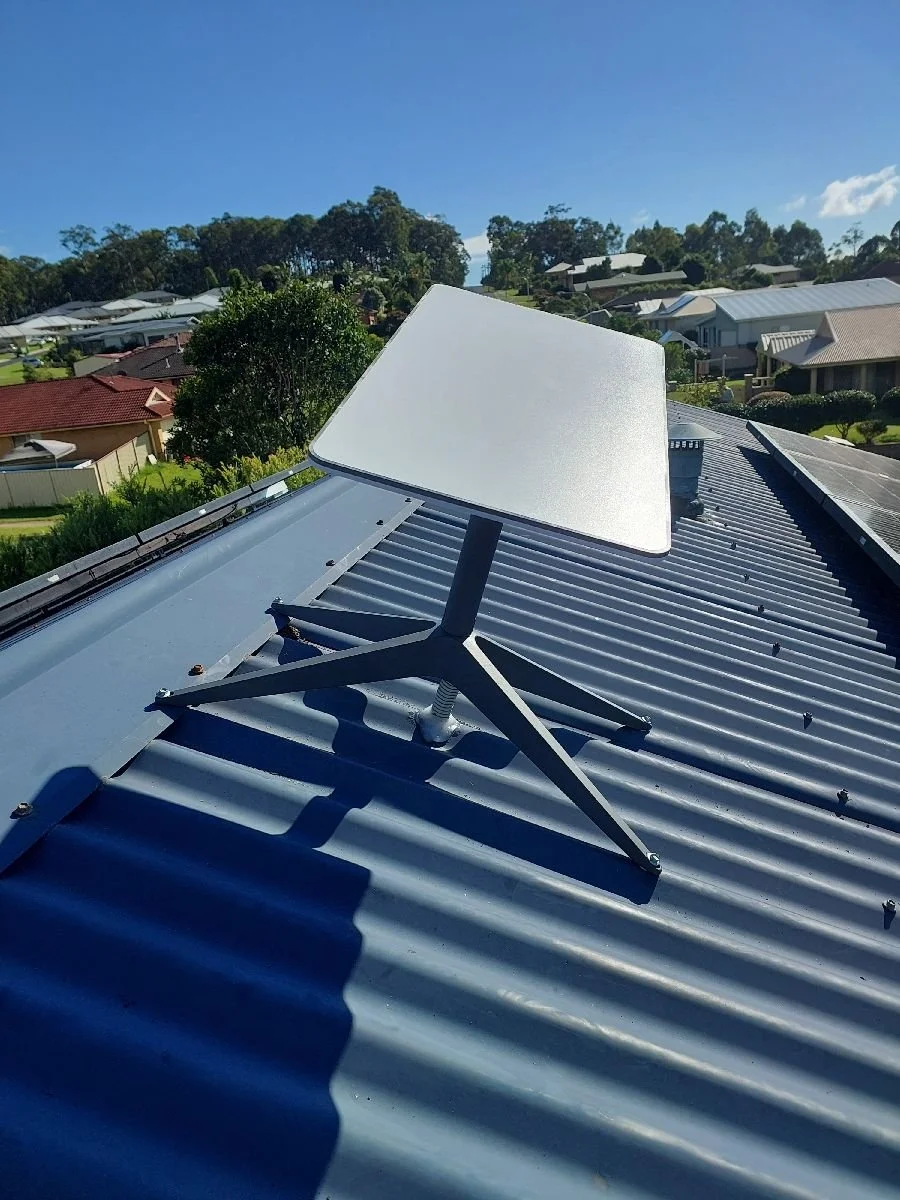
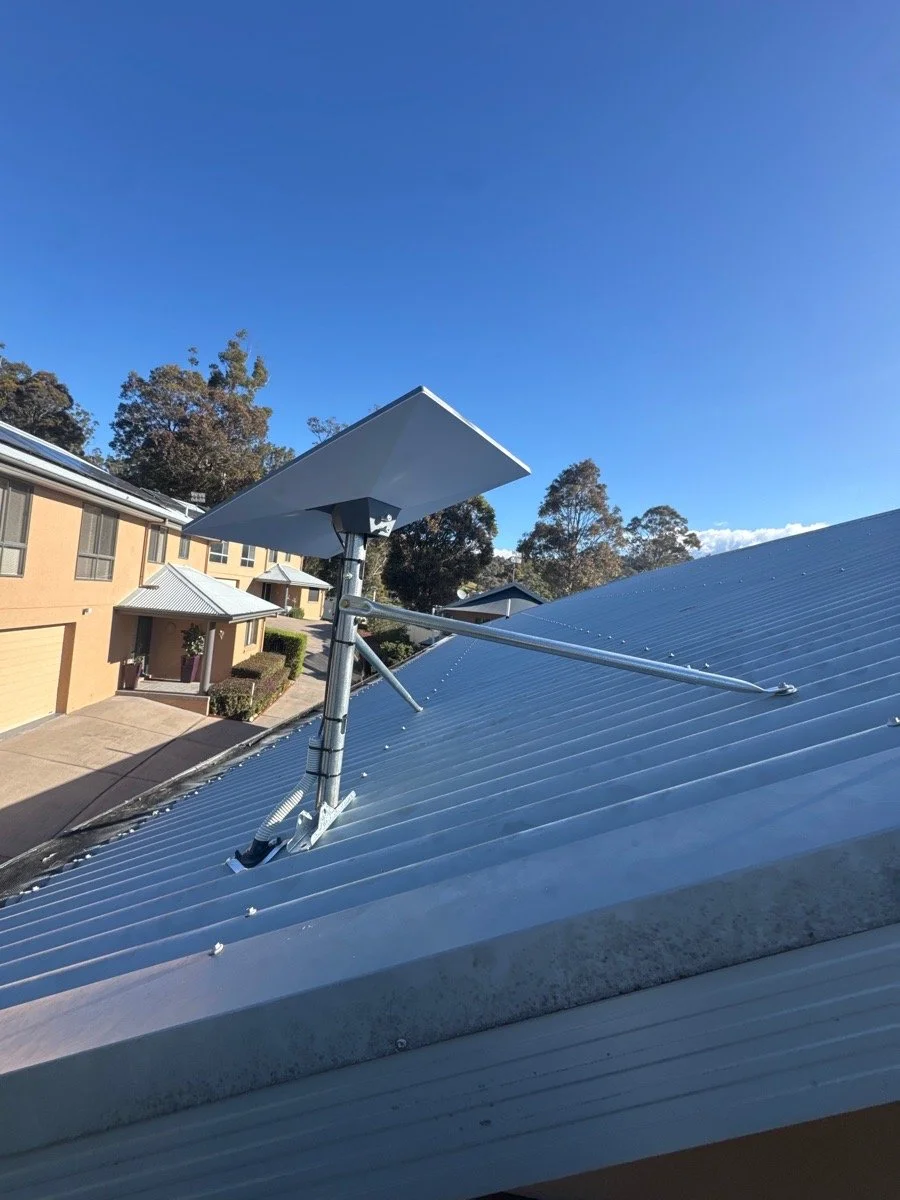
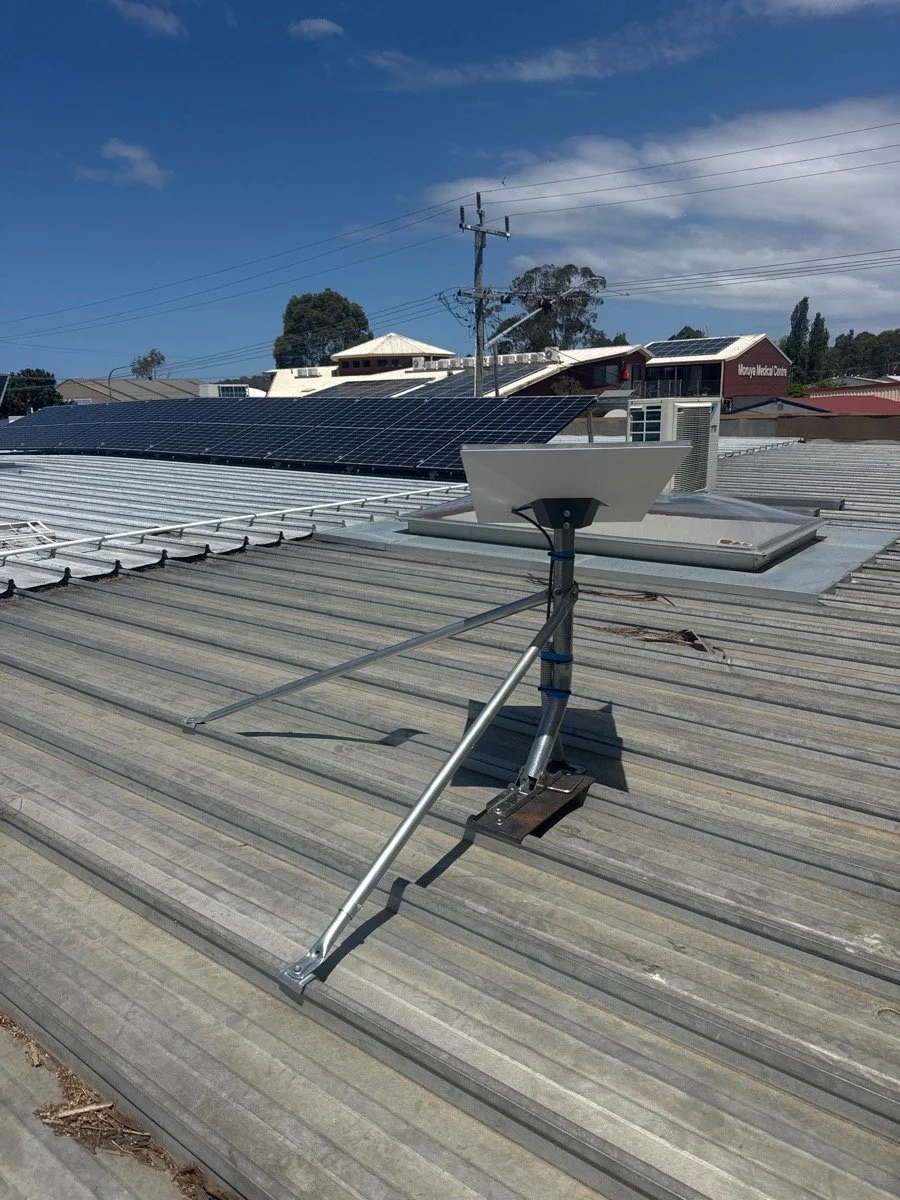
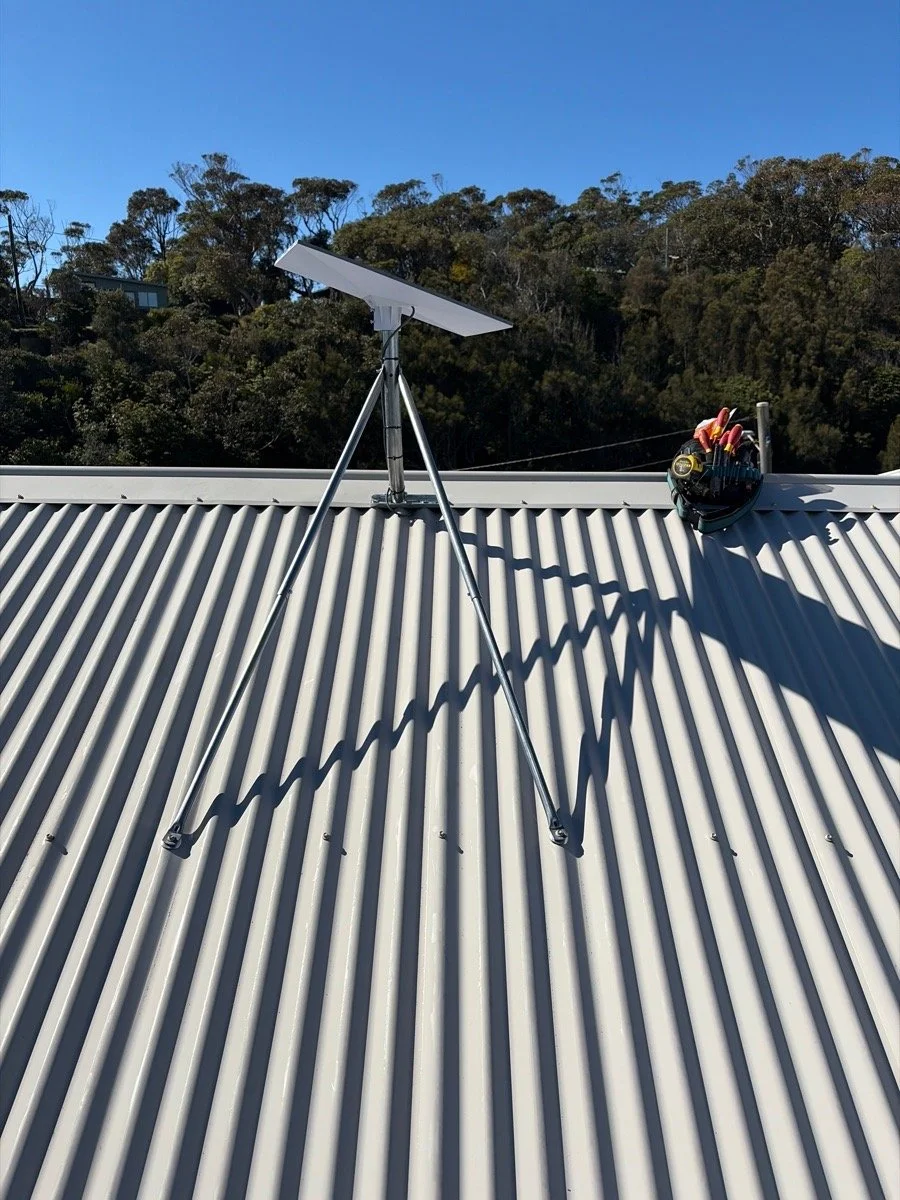
Secure roof mounting: Supply and installation of a new tin roof tripod mount, with suitability assessed for the property's wind conditions.
Starlink dish adaptor: Supply and installation of a compatible pole adaptor to secure your Starlink dish to the mount.
Dish installation and alignment: Installation of your customer-supplied Starlink dish, positioned and checked using the Starlink app.
Considered cable routing: Running the Starlink cable from the roof-mounted dish to an agreed indoor router location, including a cable brush plate for a tidy finish.
Final testing and commissioning: Connecting and testing the system to check that everything is operating as intended.
No makeshift brackets, unnecessary dangling cables or leaving you to work out how to get the cable into the house.
How much does Starlink installation cost in Eurobodalla?
Our standard Starlink installation costs $663.78 including GST for a straightforward installation on a suitable tin roof.
This includes the labour and installation materials outlined above.
A standard installation generally takes around two hours.
What if my roof isn't a standard installation?
Not every roof is straightforward, especially around here.
Tiled roofs, double-storey homes, difficult access, specialised mounting requirements or longer cable runs may require additional materials and labour.
We'll assess what's involved and provide a quote before proceeding.
Please note: You'll need to supply your own compatible Starlink kit and arrange your internet subscription directly with Starlink. These aren't included in our installation price.
Installing Starlink on the South Coast: A few things to consider
From exposed coastal homes to bush blocks and rural properties, Eurobodalla has plenty of variety. And our local conditions can influence how and where Starlink is installed.
Coastal winds
Anyone who's lived through a proper South Coast southerly knows our winds aren't something to underestimate. Even Uncle Macca knows a couple of screws and a she'll-be-right attitude aren't going to cut it when the southerly comes howling through.
Whether you're overlooking the water at Malua Bay, living near the beach at Broulee or up on a ridge outside Moruya, suitable mounting hardware and secure fixings matter. We assess the mounting arrangement for the property rather than assuming every roof is the same.
Trees and obstructions
Living among the gum trees is lovely. Having them block your satellite connection? Not so much.
Starlink needs a clear view of the sky, so dish placement is particularly important for bushland and rural properties. We use the Starlink app to help identify a suitable location and check for potential obstructions.
Roof type and access
Tin roofs, tiled roofs, steep pitches and multi-storey homes all present different installation challenges.
We consider the roof structure, mounting requirements and safe access before recommending an installation approach.
Helping our local surf clubs stay connected
Starlink isn't just about streaming movies or working from home. It can also play a valuable role in community emergency preparedness.
We've worked alongside The Tec Exec on Starlink installations at Moruya Surf Life Saving Club, Broulee Surf Life Saving Club, as well as local Churches and CWA’s in Batemans Bay and Moruya helping support their emergency preparedness and communications capability.
For coastal communities like ours, preparing for bushfires, storms and other emergencies is something we take seriously. Having an alternative way to access the internet can be particularly valuable when traditional communications infrastructure is disrupted.
Of course, satellite internet still needs power and suitable operating conditions, so it's one part of emergency planning rather than a complete backup communications solution.
We're pleased to contribute our electrical and installation expertise to projects that support the local clubs and communities we're part of.
Sometimes a Starlink installation is about getting Netflix working in the back bedroom. Other times, it's about helping a community prepare for when things don't go to plan.
Both matter. Just in slightly different ways.
Need Starlink installed in Moruya, Batemans Bay or Narooma?
Whether you're setting up Starlink at home, on a rural property or at your workplace, our team can help with secure roof mounting, considered cable routing and a tidy installation.
Cowley Electrical Services installs Starlink across Moruya, Batemans Bay, Narooma, Broulee, Tuross Head, Bodalla, Dalmeny, Malua Bay, Mossy Point and surrounding Eurobodalla communities. We also service properties further north towards Ulladulla and Milton.
We're a local, family-run electrical business, and we take pride in the details, from where the dish goes on the roof to where the cable comes out inside.
Already have your Starlink kit? Leave the roof climbing to us.
-
No. Starlink is designed for self-installation, and a licensed electrician isn't required simply to connect the standard equipment.
However, permanent roof mounting, safe access and cable routing are reasons you might choose an experienced professional. Any regulated electrical or telecommunications cabling work must be undertaken by appropriately licensed or registered people.
-
Yes. Starlink offers professional installation through third-party providers in eligible areas. Pricing and inclusions vary.
Its standard installation generally includes dish mounting, routing the cable to the nearest home entry point, connecting the router and testing the system. More specialised mounting or cabling may cost extra.
-
We can discuss your preferred router location and assess a suitable cable route.
A central living area or home office may be more practical than the nearest external wall. We'll work through what's possible for your property, with more complex cable runs quoted separately.
-
Yes. Our installation service is for customer-supplied Starlink equipment. You'll need to purchase your kit and arrange your subscription directly with Starlink.
-
Yes, subject to suitable mounting options and safe roof access. Tiled roof installations are quoted separately from our standard tin roof package.
-
A straightforward installation generally takes around two and half hours. More complex properties or cable routes can take longer.
-
Starlink can operate in a range of weather conditions, but heavy rain and severe weather may affect connectivity.
Like other internet equipment, Starlink also needs electricity. If the power goes out, you'll need a suitable backup power supply to keep the system operating.